
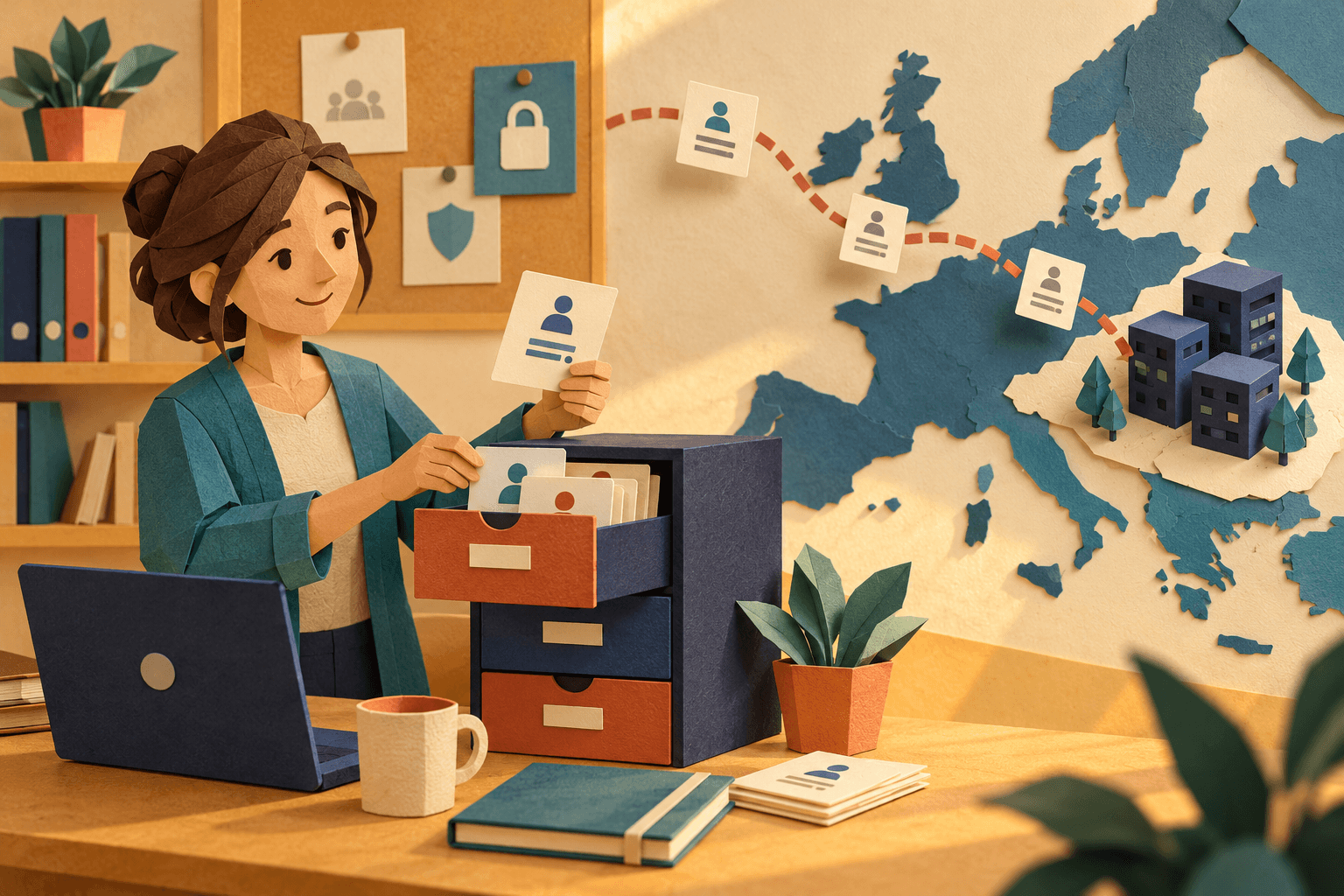
Before a school lets pupils use an AI tool, someone has to answer a simple question: where does the text go, and who keeps it? This page gives you the facts about Schoolhub, so you can answer it for your own school.
One thing first. A tool can't make itself "GDPR compliant" on its own. When a school or municipality uses Schoolhub under an agreement, the school is the data controller and we are the data processor. Your school decides how Schoolhub is used, and we process data on your behalf under a data processing agreement. What we can do is be open about how the service works.
Who is responsible for what?
Your school or municipality decides what Schoolhub is used for and who uses it. Schoolhub AS, a Norwegian company, processes the data on your behalf.
If a pupil or teacher wants to see or delete their data, they contact the school. We help the school with the request under the data processing agreement.
If you use Schoolhub on your own, without a school agreement, Schoolhub is the data controller for your account. Our privacy policy covers both cases.
Where is data stored and processed?
Schoolhub runs on servers in the EU. That is where accounts, custom chatbots, uploaded files and Hub sources are stored, and where our databases run.
AI features send text to the model providers below. These are the services behind the features most teachers use, plus the service we use for monitoring:
What happens | Who processes it | Where |
|---|---|---|
Chat, writing tools and image generation | Microsoft Azure OpenAI | EU |
Dictation and read-aloud | Microsoft Azure Speech | North Europe region (Ireland) |
Voices in Hub podcasts | Google Vertex AI | Finland |
Monitoring and performance | PostHog | EU |
What do we store, and what don't we?
We store what you create and want to keep: your account details, the custom chatbots you build, files you upload, and the sources and materials in your Hubs. Those stay until they are deleted.
Unless you turn on saved chat history (see below), chat messages are not saved in Schoolhub's database. They are sent to the AI model so it can answer.
We don't use pupils' or teachers' content to train AI models.
We also keep technical logs to run the service, fix errors and detect misuse. Database backups are kept for 30 days.
How does chat history work?
By default, your chat history is kept only in the browser on the device you are using. It is not stored on our servers. Conversations older than 30 days are removed, and if someone else logs in on the same browser, the previous history is cleared.
Some schools want teachers and pupils to continue a conversation on another device. For them, saved chat history is an option that we enable per organization. Each user then decides for themselves: Schoolhub asks Save your chat history?, and you choose Save securely or Not now.
If you save it, you pick a four-digit PIN. Your messages are encrypted in your browser before they are stored, and the stored history is kept in the EU.
The key that unlocks your history is protected by your PIN together with a second key that we keep in a separate, access-controlled key store. A copy of the history database alone is not enough to read anyone's conversations, and we can't simply open your saved history and read it.
The history locks after 30 minutes without activity, when you sign out, or when you lock it yourself.
You can delete a single conversation from the sidebar. To delete all of it, use Reset your chat history and PIN on your account page. There is no way to recover a forgotten PIN, so resetting it deletes your saved history. Read more in Saved chat history: how it works.
Who can see what?
Teachers and pupils sign in with an account. You can sign in with Google, Microsoft or email, or with your country's national school login where we support it. The national school logins tell us whether someone is a teacher or a pupil, and which school and classes they belong to.
Schools and organizations can also use access control. An organization administrator sets rules for the organization and its schools, and teachers adjust them for the classes they teach. You can turn individual chatbots and tools on or off for pupils, for example image generation or web search, for an hour, two hours, until midnight, or until you change it again. Teachers can't switch on a tool that has been turned off centrally. Access control is being rolled out organization by organization and doesn't yet work with every school login, so ask us whether it is available for yours.
Saved chat history is encrypted, and an administrator account in Schoolhub doesn't give access to other users' saved conversations.
What should pupils and teachers avoid sharing?
Schoolhub reminds users not to share personal information in the chat, and we recommend the same. Let the school's own rules for AI decide what pupils use it for, and talk with the class about what not to type: names, health information, or anything about other people.
How do we get a data processing agreement?
Contact us at contact@schoolhub.ai and tell us which school or municipality you represent. We'll send you our data processing agreement and answer the questions your privacy or IT team has about how the service works.
The full details are in our privacy policy for schools and organizations, including the list of sub-processors and your users' rights.
If your school is ready to try Schoolhub, get started here and we'll help you along.