
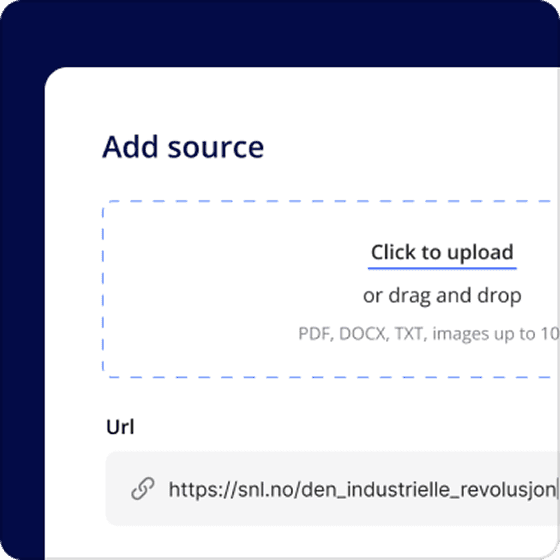
Sources
Upload content that's relevant to your topic, such as articles, textbook pages, your own notes etc. These become the knowledge base of the hub, and the foundation for everything else.

Explore Hubs
Build a knowledge base, brainstorm, create teaching materials, and share with students - all in one place.
Type a topic. Schoolhub builds a complete teaching hub in seconds.
Try it for free
It combines three things:
Upload content that's relevant to your topic, such as articles, textbook pages, your own notes etc. These become the knowledge base of the hub, and the foundation for everything else.
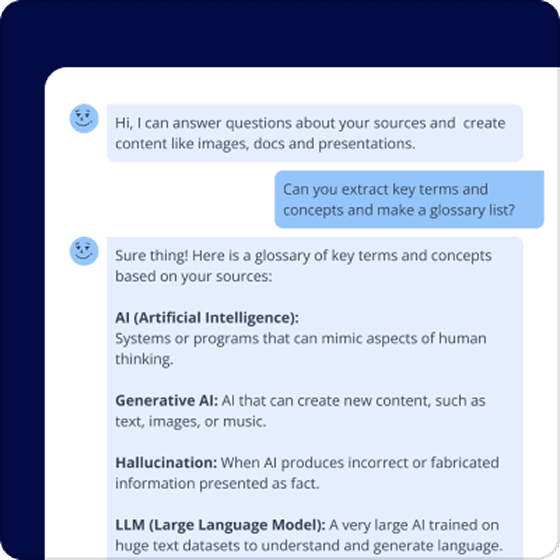
A general AI chatbot that has access to your sources, and can answer based on these. You can ask questions, get summaries, extract key information, create document drafts and more. The chat will tell you which sources it used to answer so you can easily verify and follow up.
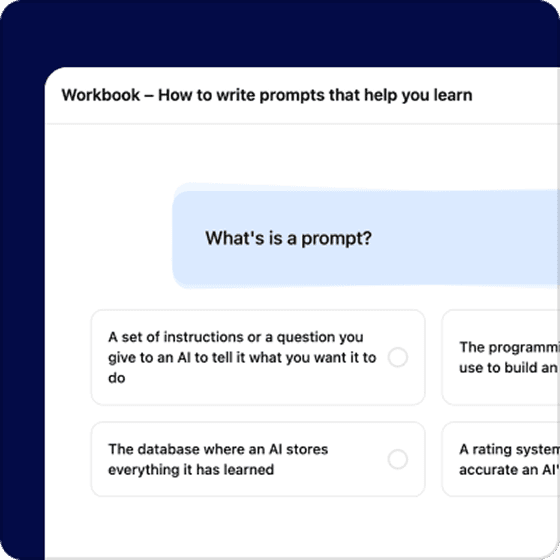
Create teaching materials, such as quizzes, workbooks, podcasts, and more. Drafts are made automatically based on your knowledge base, and other parameters you choose.
Create quizzes, flashcards, workbooks, podcasts and videos in the same Hub as your sources. Choose what suits your lesson, review the result and share it with your students.

Create questions around the material in your Hub. Use them to check understanding, practise key ideas or start a classroom discussion.

Turn concepts and key terms into short prompts for practice. Keep the cards alongside your sources so students can return to the material.
Build a learning sequence with explanations, questions and activities. Combine blocks into a workbook that students can work through at their own pace.
Choose a topic and relevant sources, review the script and create an audio episode. Give students a way to listen to the material as well as read it.
Combine narration or conversation with illustrations. Help students follow the explanation through sound and pictures, all within your Hub.
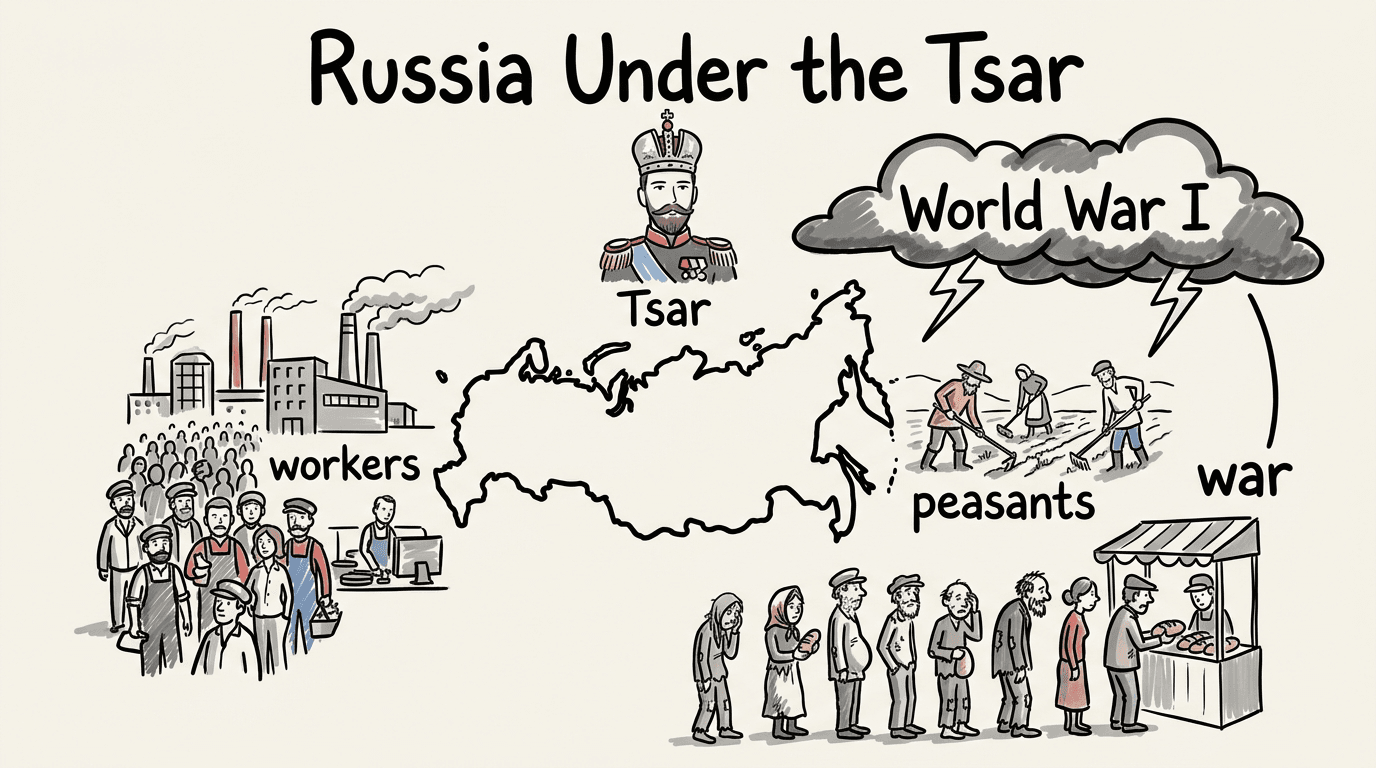
Create a narrated, illustrated explanation of your topic. Watch it through, then use it to introduce an idea, recap a lesson or spark discussion.
Start with a topic you teach. Bring your sources together, create learning materials and share your Hub with students.
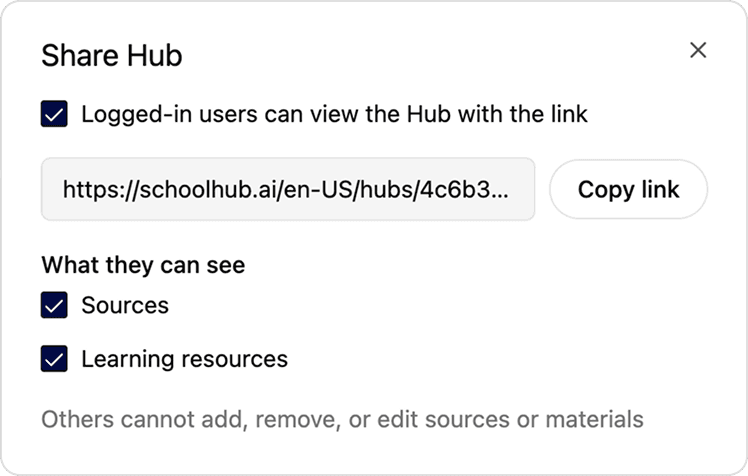
For now only teachers can create Hubs. Share your Hub with your students to use it as part of a lesson.
Those you share with will be able to...
Students must have an account and be logged in to see your hub.
Plan a topic around the sources you already trust.
Let students ask questions grounded in your material.
Build workbooks, quizzes and podcasts from source files.
Share a hub as part of a lesson.
Keep the context for a topic in one place.
Turn your sources into audio material.